Project Overview
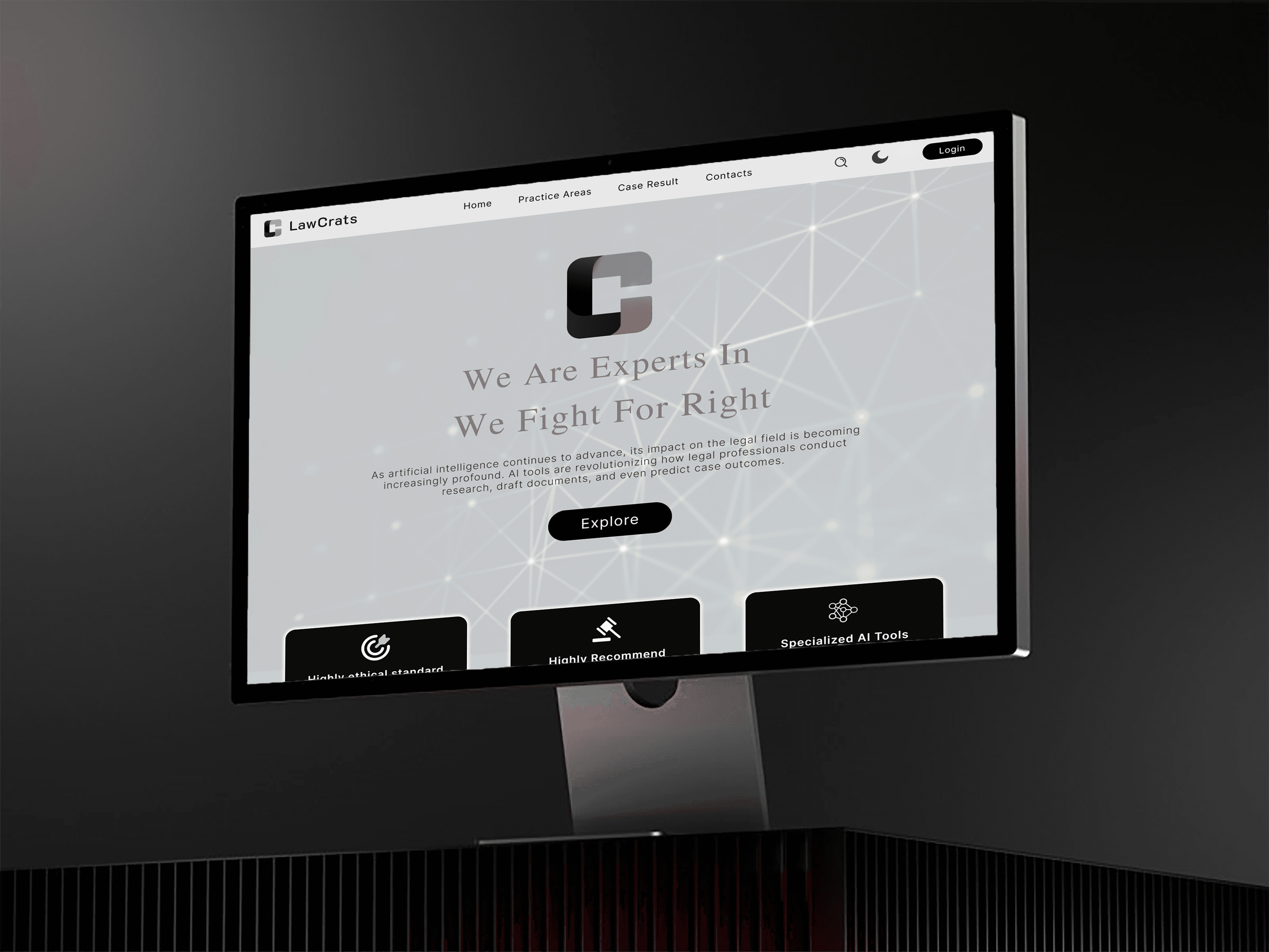
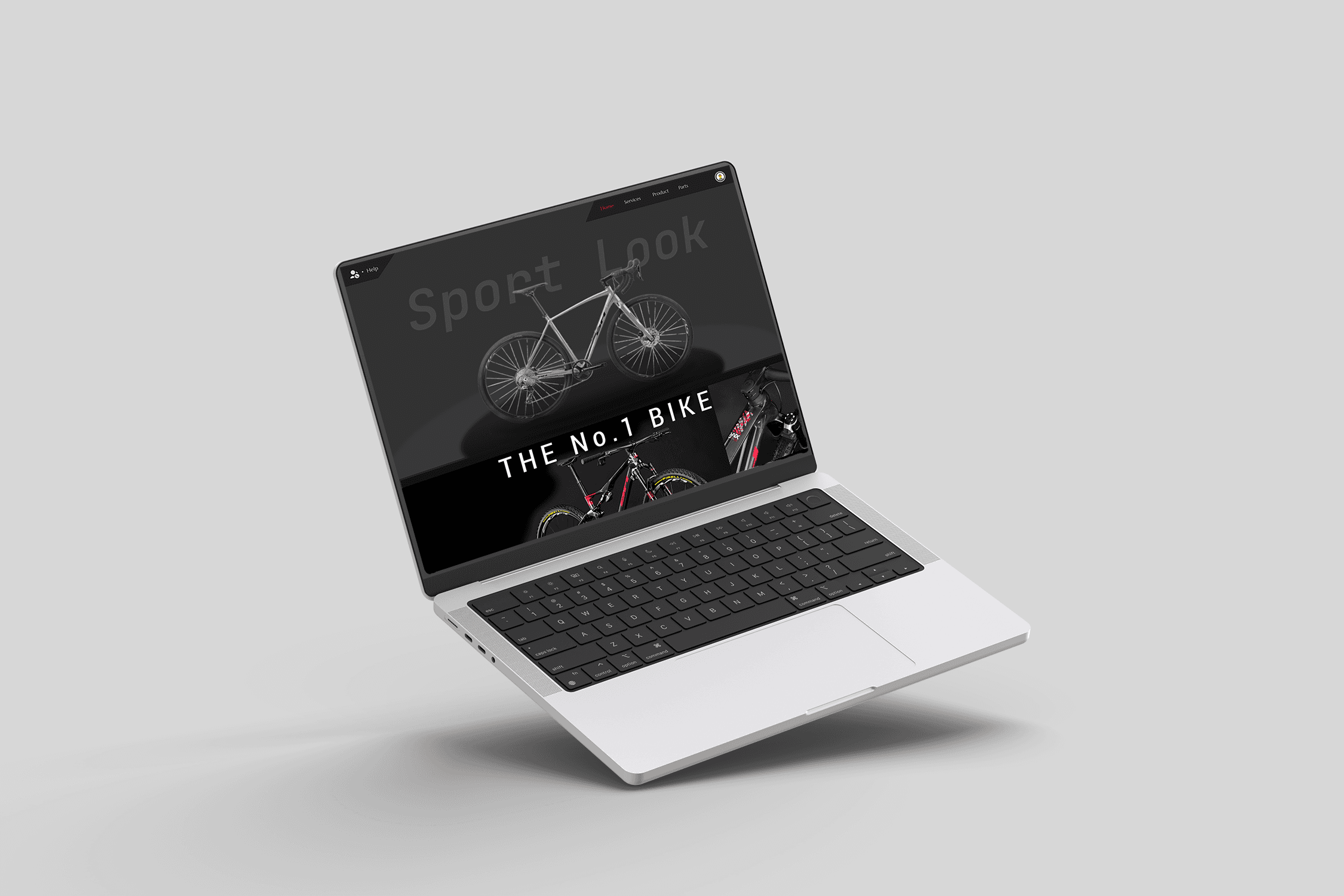
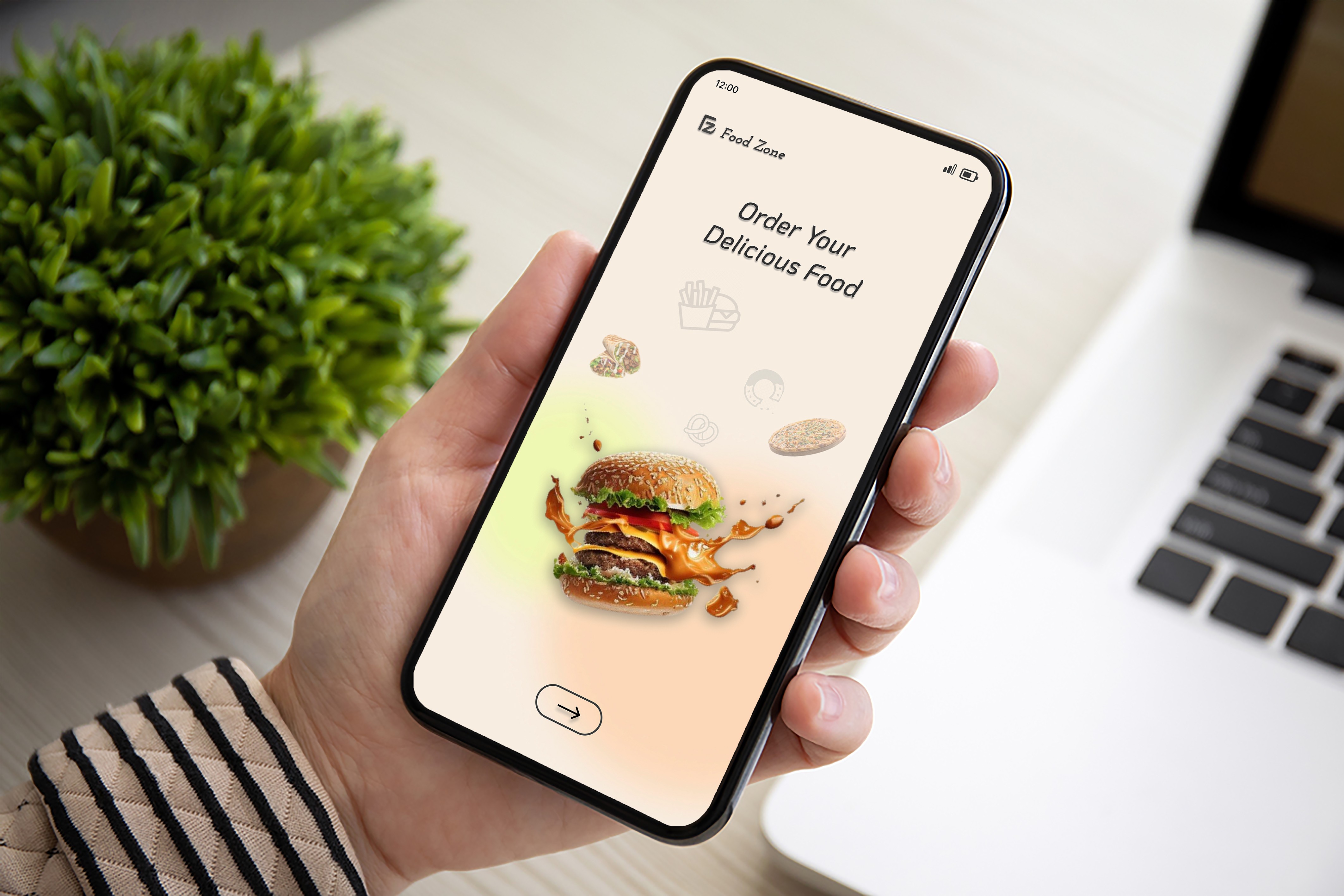
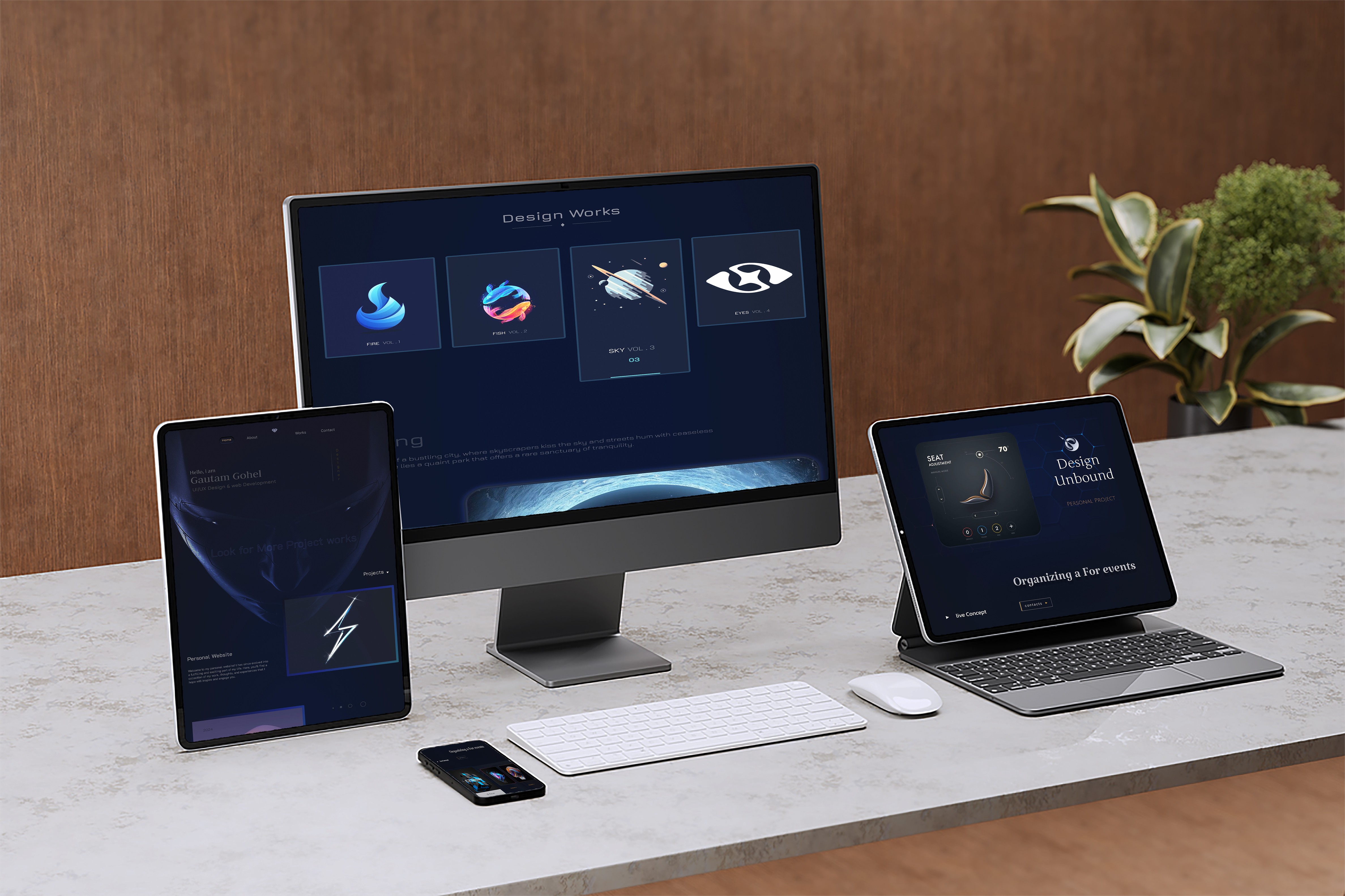
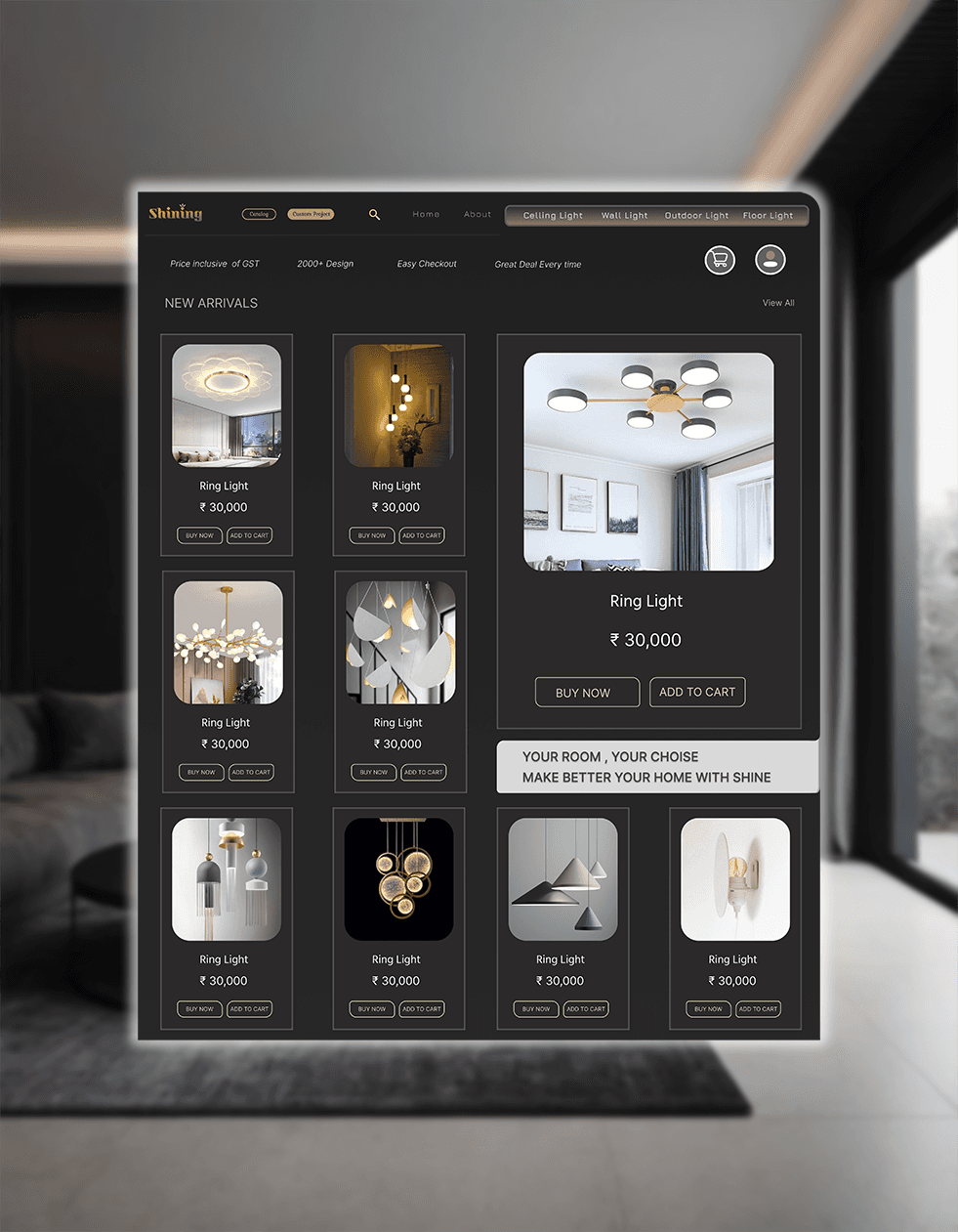
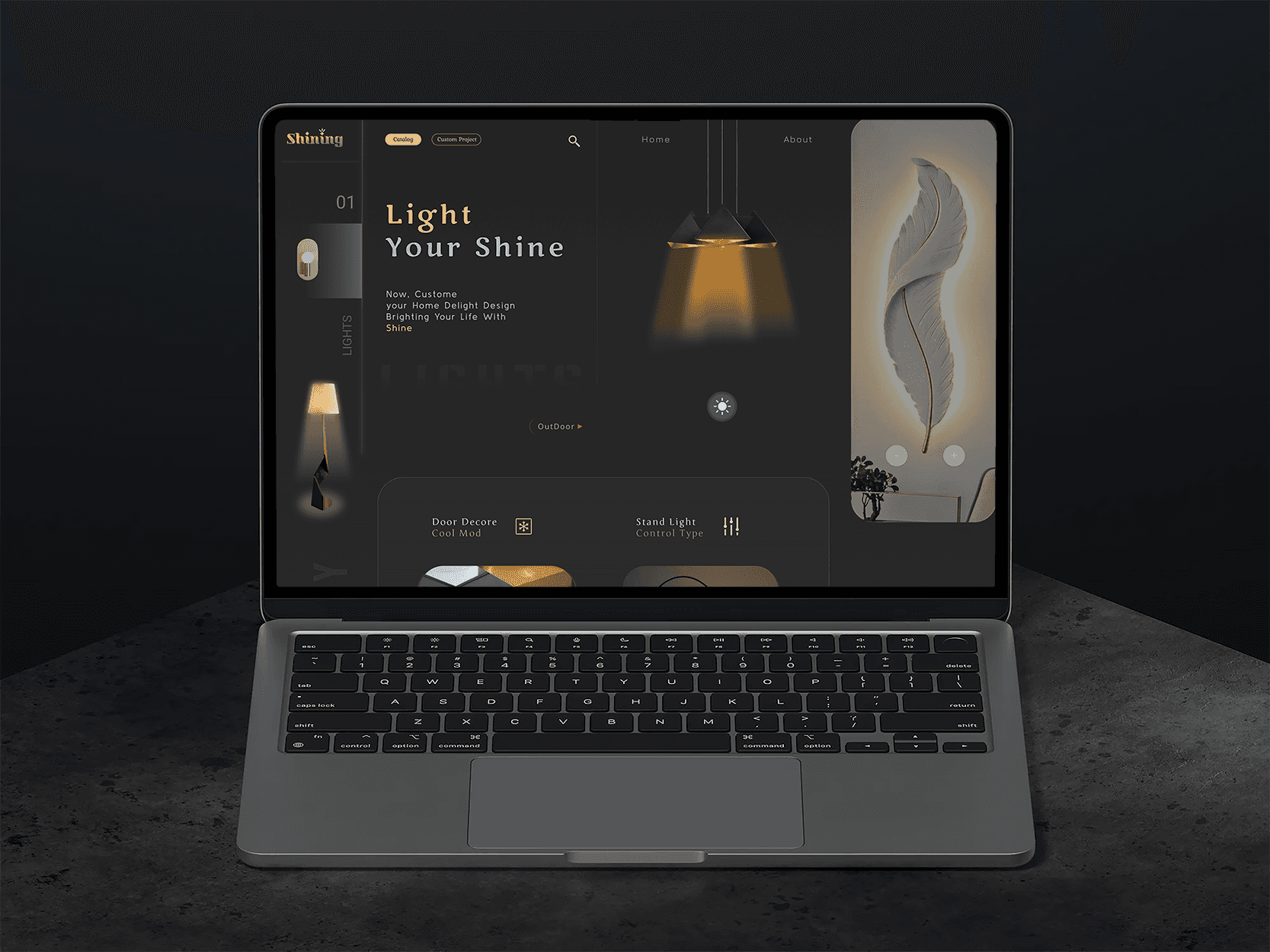
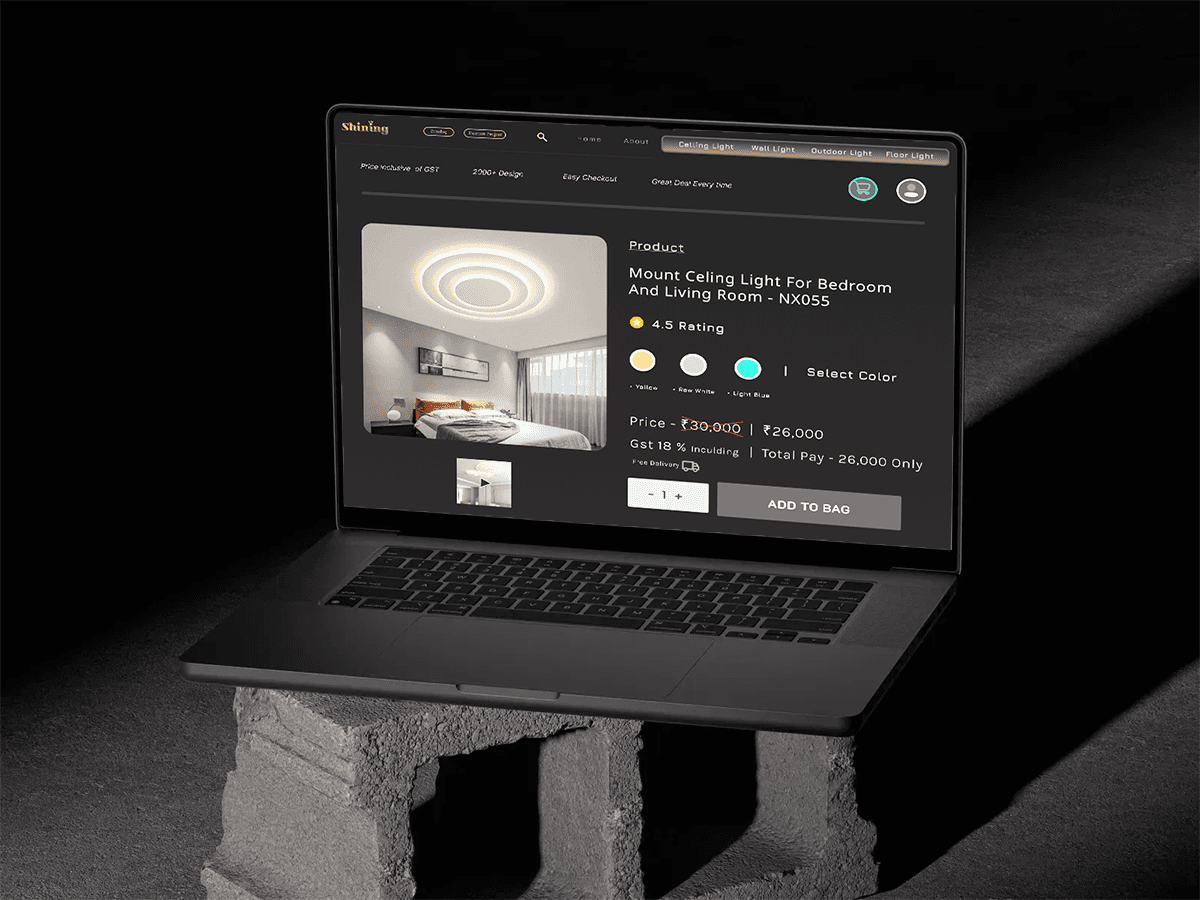
This project focuses on designing a website for a fictional company specializing in wall and ceiling light fixtures. The goal is to create a visually appealing, user-friendly website that showcases products, enhances user experience, and drives conversions. Using Figma, we aim to craft a digital solution that aligns with modern web design standards and effectively communicates the brand’s values.
Objectives
User-Centric Design: Create an intuitive navigation system that allows users to easily find products.
Visual Appeal: Use high-quality visuals and an attractive color palette to highlight the elegance of light fixtures.
Research
Market Analysis:
Reviewed competitor websites to identify best practices in the lighting industry.
Analyzed target audience preferences regarding aesthetics and functionality.
User Personas:
Developed personas based on demographic data to understand user needs and behaviors.
Key personas included home decorators, interior designers, and DIY enthusiasts.
Mood Boards:
Created mood boards to establish the visual style, including color schemes, typography, and imagery that align with the brand identity.
Design Process
High-Fidelity Mockups:
Transformed wireframes into high-fidelity designs using Figma.
Emphasized visual hierarchy with contrasting colors and typography to guide users’ attention.
Interactive Prototyping:
Created interactive prototypes in Figma to simulate user experience.
Allowed stakeholders to navigate through the design and provide feedback before finalizing.
Usability Testing:
Conducted usability tests with potential users to gather feedback on navigation and overall design.
Iterated on designs based on insights from user testing.
Using Tools
Figma
Photoshop